
How to Find Your Renewal License Keys
Overview
When your license key is issued or renewed, it is sent automatically to the registered email address on record for your account. If you cannot locate your renewal key, the quickest fix is to search your inbox for that email.
Finding your license key email
- Open the inbox for the email address registered on your account.
- Search for Timelock or Cyncly.
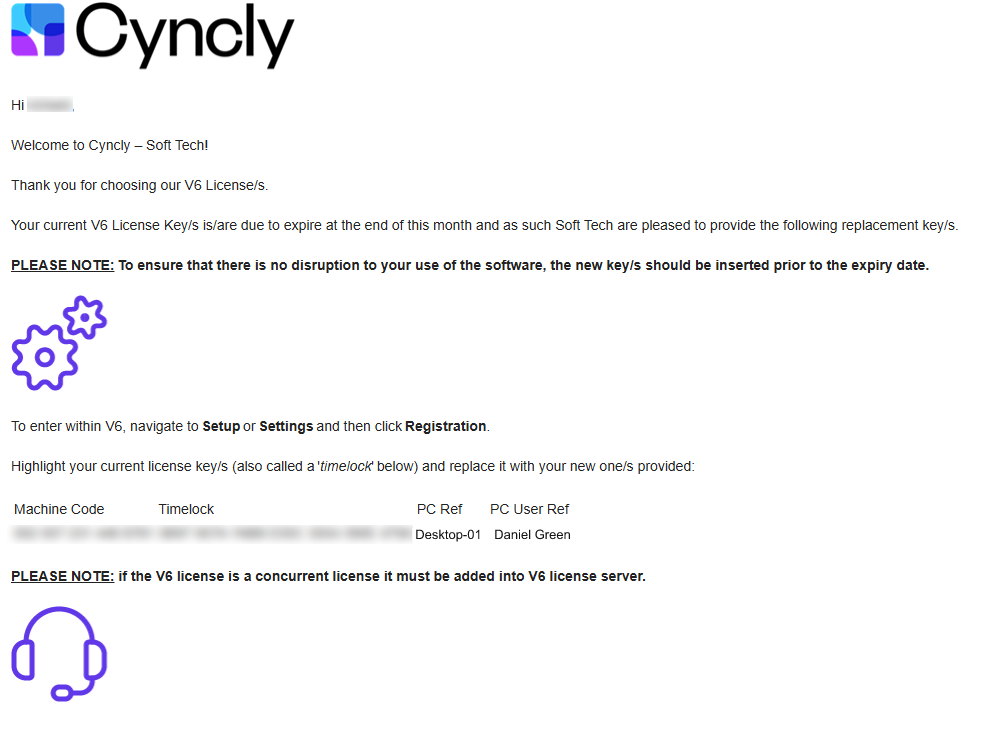
- Look for an email with the subject Soft Tech License Renewal.
If the email does not appear in your inbox, check your spam, junk, and any other folders or filters, as automated messages are sometimes sorted there.
What the email looks like
Can't find the email?
- Confirm you are checking the email address registered on your account. Keys are only sent to this address.
- Ask a colleague who may be the registered contact to check their inbox.
- If you still cannot find it, contact our support team at support@softtech.com and we can help.